7 Desk Habits That Are Quietly Wrecking Your Knees
Quick Answer: Crossed legs, a chair set too high or low, and skipping movement breaks are the biggest desk-related contributors to knee strain. Fixing chair height to a 90-degree knee angle and standing every 30-45 minutes resolves most of it within two to three weeks.
Most knee pain advice targets workouts, but a lot of daily knee irritation actually starts at the desk, hours before anyone laces up shoes.

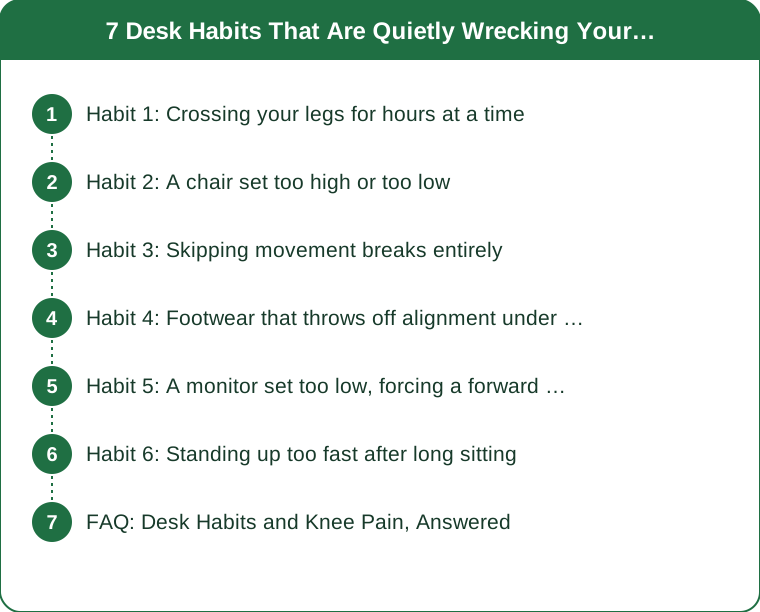
Habit 1: Crossing your legs for hours at a time
Crossing one leg over the other rotates the knee joint into a position it isn’t designed to hold for long stretches, adding uneven pressure to the inner knee. Alternating sides every 20 minutes or switching to feet-flat posture removes most of this strain.
Habit 2: A chair set too high or too low
When the knees sit above or well below hip height for hours, the joint absorbs weight at an awkward angle. Setting the chair so knees form roughly a 90-degree angle with feet flat on the floor is the single highest-impact fix in this list.
Habit 3: Skipping movement breaks entirely
Staying seated for 2+ hour stretches lets the muscles around the knee stiffen, which increases strain the moment you do stand or walk. A 2-3 minute stand-and-walk break every 30-45 minutes keeps the joint from locking into a static position.

Habit 4: Footwear that throws off alignment under the desk
Flat, unsupportive slippers or bare feet on a hard floor change how weight transfers up through the ankle to the knee when you do get up. A supportive shoe or even a folded towel underfoot for arch support reduces this cumulative misalignment.
Habit 5: A monitor set too low, forcing a forward slouch
Slouching forward shifts weight distribution through the hips and knees even while seated, since the whole lower body compensates for the upper body’s lean. Raising the monitor to eye level indirectly reduces knee-area tension by fixing the chain above it.
Habit 6: Standing up too fast after long sitting
Springing up quickly after an hour-plus of sitting asks stiffened knee tissue to bear full weight instantly. A 5-second pause to straighten and gently bend the knees once before walking gives the joint a moment to reactivate.

FAQ: Desk Habits and Knee Pain, Answered
Can a standing desk fix knee pain from sitting?
A standing desk helps if you alternate positions, but standing fully locked-kneed for hours creates its own strain — the fix is alternating, not just swapping one static posture for another.
Is it the chair or the habit that matters more?
Both matter, but habit change (movement breaks, alternating leg position) tends to have a bigger effect than chair upgrades alone, since even a great chair doesn’t help if you never move.
When should desk-related knee pain see a doctor?
If pain persists more than two weeks after fixing posture and adding movement breaks, or if there’s swelling or a locking sensation, it’s worth a professional evaluation rather than continued self-treatment. This is general information, not medical advice.
TL;DR:
- Crossed legs and a poorly set chair height are the top desk-related knee strains
- Movement breaks every 30-45 minutes prevent stiffening from prolonged static sitting
- Footwear and monitor height indirectly affect knee alignment through the whole kinetic chain
- Persistent pain after fixes warrants a professional check, not more self-diagnosis
A few small desk adjustments often do more for daily knee comfort than any workout change.
Keep Reading
This article is for general informational purposes only and is not medical advice. Always consult a qualified health professional for guidance specific to you.